Change Contents of Item
Note: Use Change Contents of Item to change any data except prices. You cannot change price with Change Contents of Item. Instead, use the Price Changes feature.
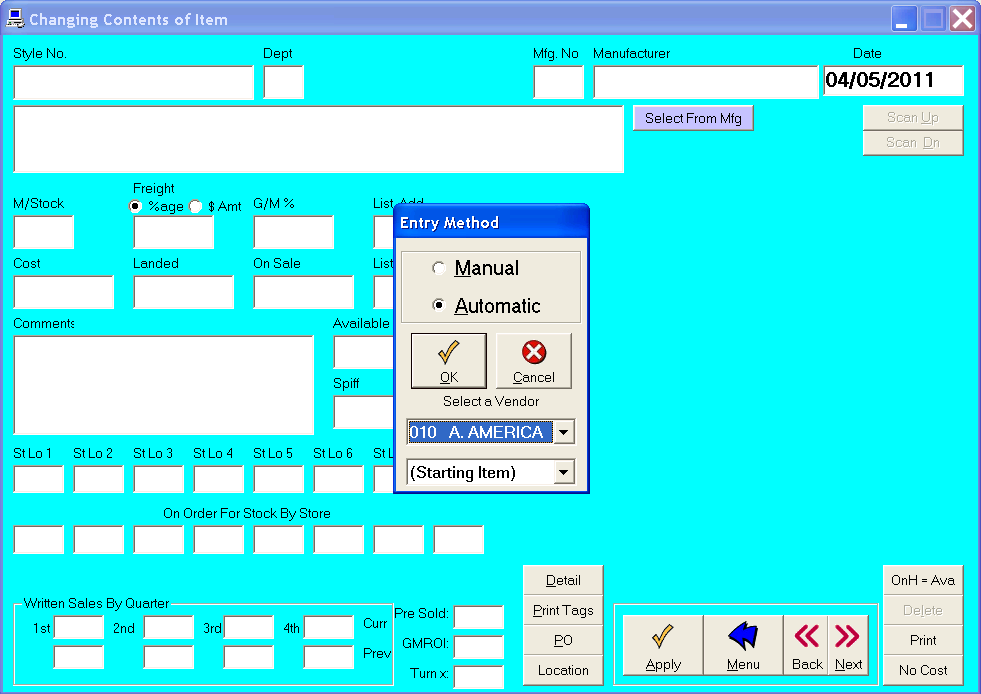
Changing Item Contents
To change the contents of an item, click Change Item Contents on the Inventory Menu.
The "Changing Contents of Record" form will show information about the style number you choose.
You can change any data, except price.
To save changes, click OK.
If you choose Automatic, the next record will appear.
Use the Back/Next buttons to scroll through records.
If you choose Manual, the "Enter Style Number" form will appear.
Note: Using Back/Next will not save the record. To save the record, click OK before Back/Next.